New: Shared Counters & a home screen widget

Track anything.
One tap at a time.

Coffee, migraines, gym visits, glasses of water — whatever you're counting, How Many Times turns it into a calendar, streaks, and clean stats. Now you can share a counter with friends and family too.
Download on theApp Store
★★★★★ Free to download
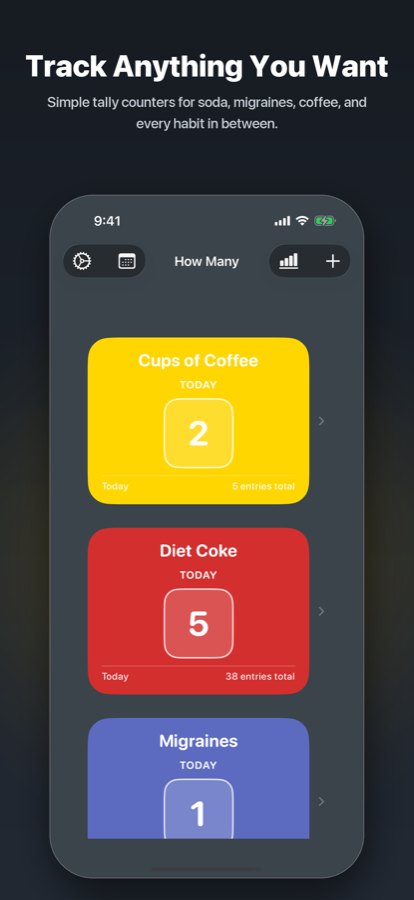
How Many Times home screen showing Cups of Coffee, Diet Coke, and Migraines counters

Everything in one tap

Simple to log. Satisfying to look back on.

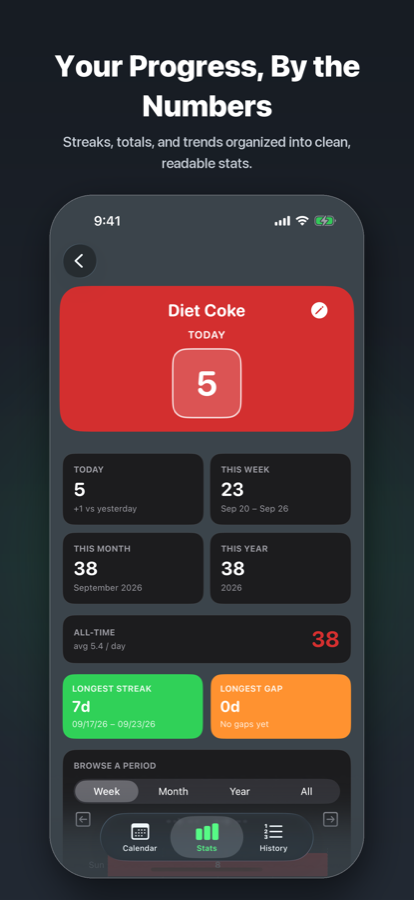
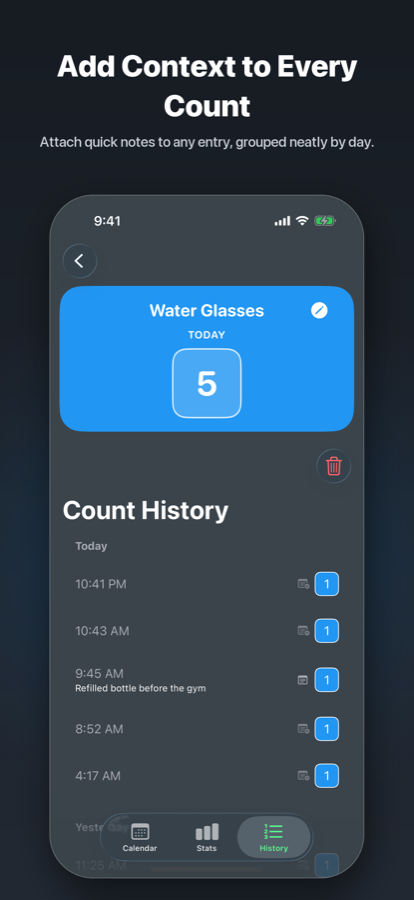
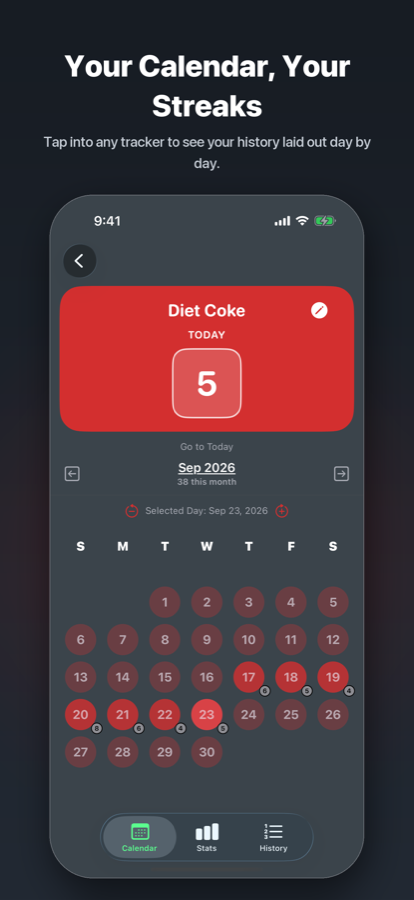
Every counter comes with a calendar, streaks, stats, and a full history — no setup required.
New in 2.1

Count together, in your own colors.

Share any counter with up to four people. Everyone logs their own taps, and shows up in their own color — on the shared calendar and right on the home screen widget.

  • Share in one tap — from any counter, or turn it on right when you create one.
  • Everyone gets a color — pick your own name and dot color for the shared calendar.
  • Shared Counter widget — everyone's counts on your home screen, with a + button for your own.
  • Your data stays yours — leave or stop sharing any time; your own counts never leave your phone.
Gym Visits · This week 11
Y
You
5
S
Sam
4
J
Jo
2

Built for real life

No accounts. No clutter. Just counting.

iCloud sync

Your counters follow you across every iPhone signed into your account.

Home screen widget

Tap + right from your home screen — no need to open the app.

Lock what's private

Face ID or a PIN keeps sensitive counters for your eyes only.

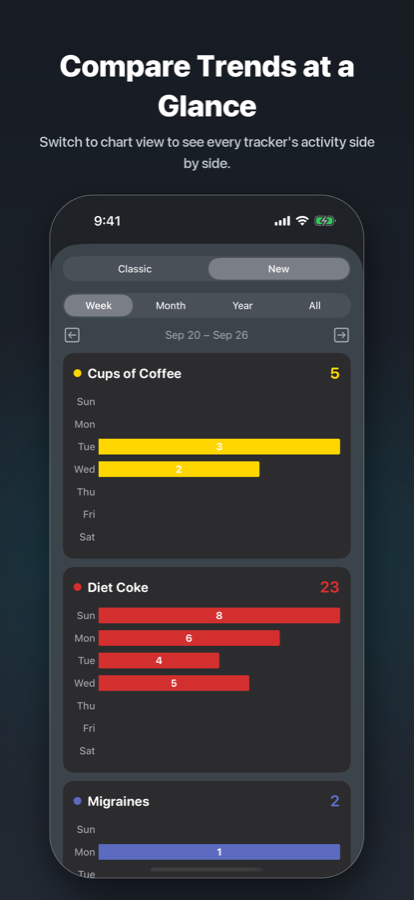
Charts that make sense

Week, month, year, or all-time — every tracker, side by side.

Start counting in under a minute.

Free to download. Shared counters are part of Premium.

Download on theApp Store